zikri

Categories
Project IT

Smart Parking

Smart Parking

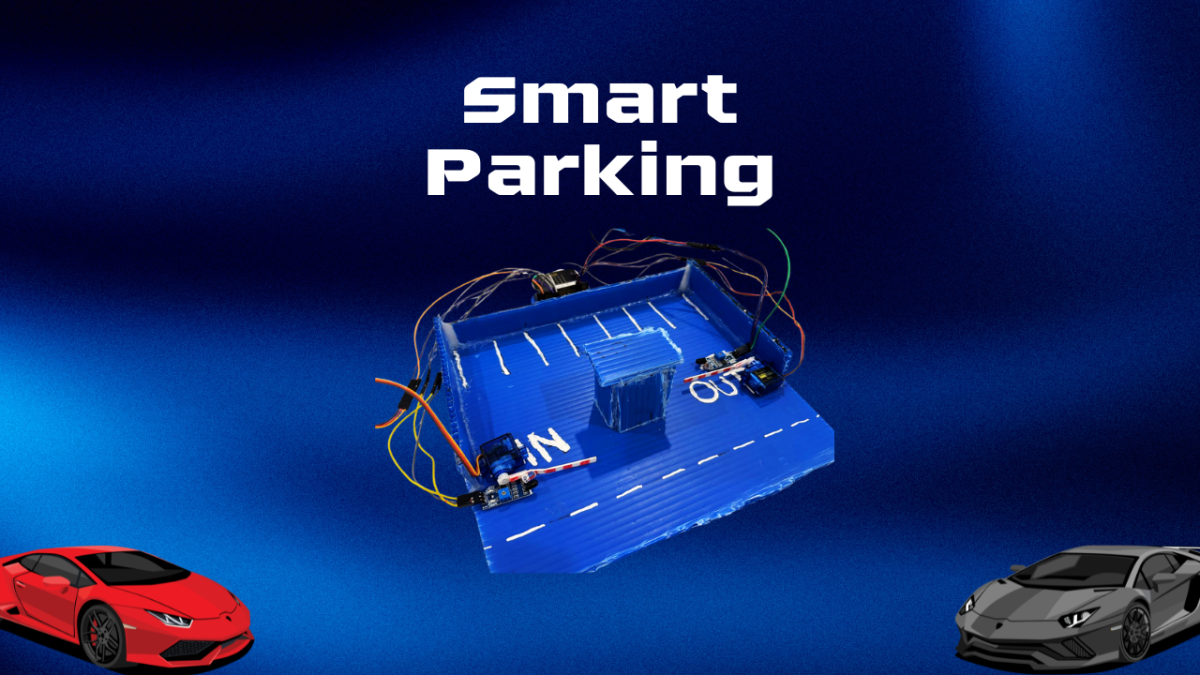
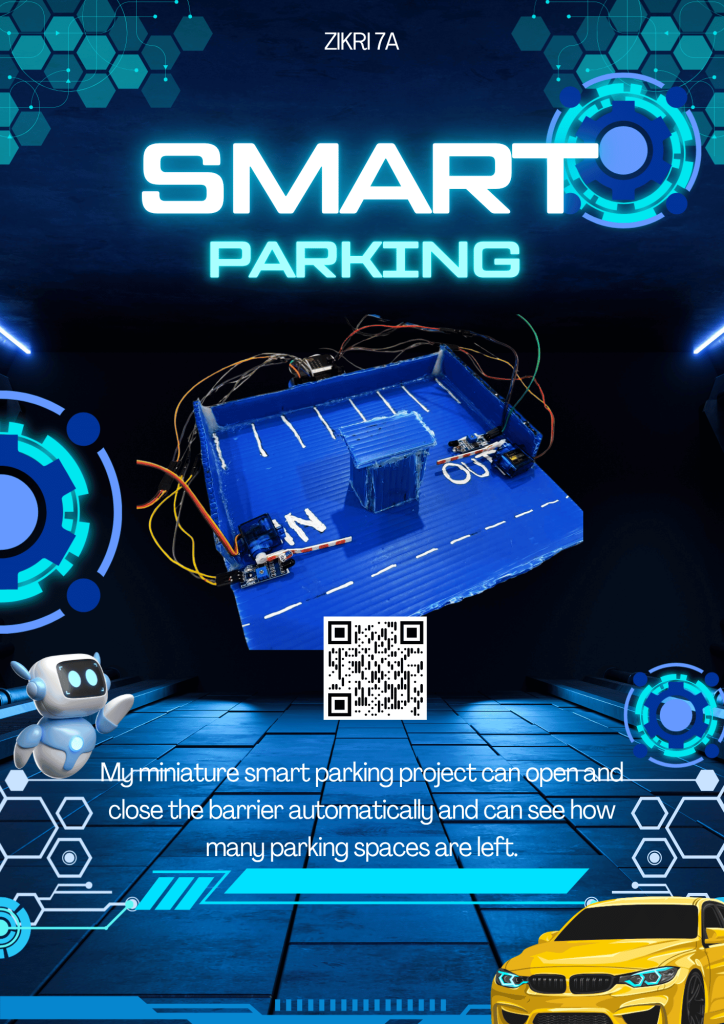
This is my smart parking project with my two friends, Fathan and Fatih, in this project we had quite a lot of trouble but fortunately we were able to finish it. Why is smart parking called smart? Because when there is a car or other vehicle in front of the barrier, the barrier will open automatically and if there is no other car or vehicle, the barrier will close again automatically. Why is that? Because there is an infrared sensor that detects the car and then gives the information to the servo motor (bar) and will lift the barrier up or down according to what has been done.

Categories
Project English Project IT

Video IT Tutorial(2)

IT Presentation

So this is my second IT tutorial video project in grade 7, second semester. In this video, I took a video from my English project, namely the IT presentation video project, which is discussing the tiny bit hand gesture project, a small car robot that you can control with hand gestures. In this project, I discuss what a tiny bit is, then what a teachable machine is, then what makecode is, after that, how to make a tiny bit hand gesture, and then the conclusion of this tiny bit project.

Categories
Project IT

Smart Watering Plant

Smart Watering Plant

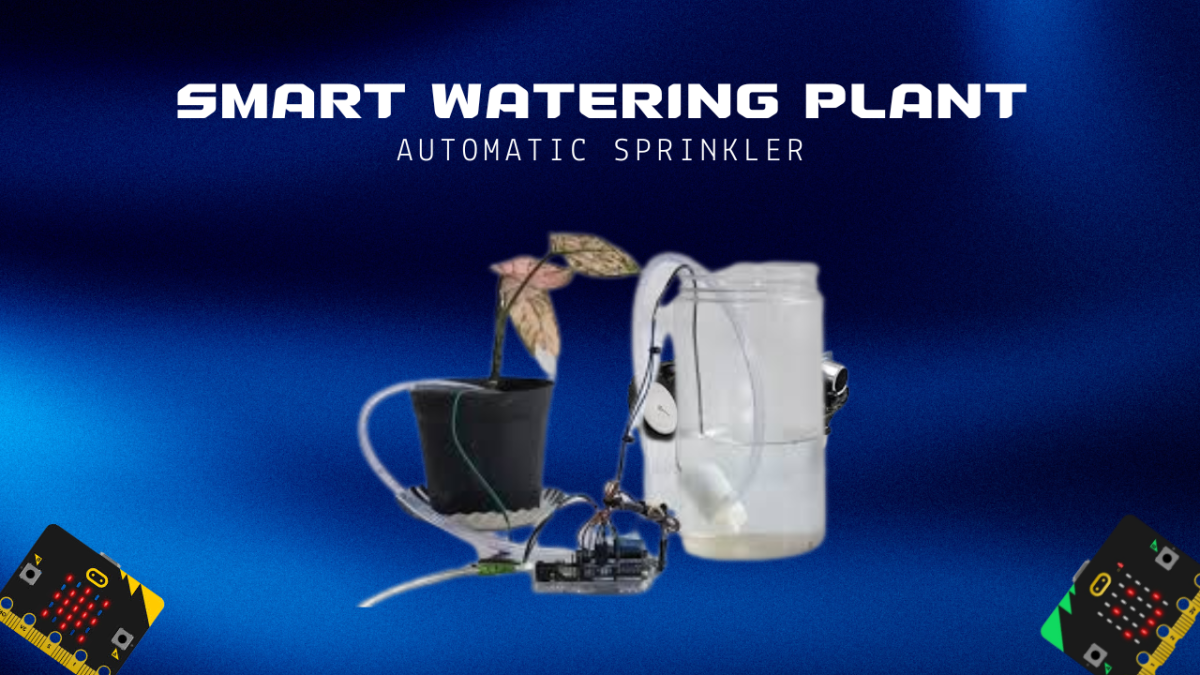
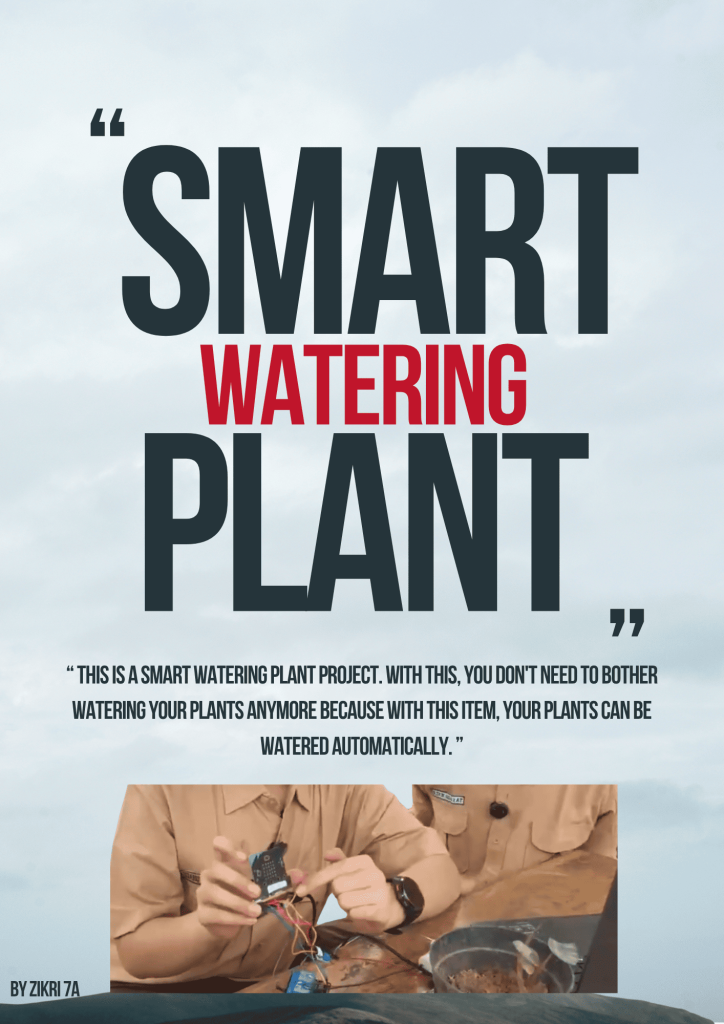
So this is my smart watering plant project. This project can water your plants automatically and is not complicated. It is very suitable for people who have plants but are lazy or often forget to water the plants and then the plants just die because they are not watered continuously. Basically, this tool or commonly called a smart watering plant is very helpful for people who like to plant plants but don’t want to be complicated or just want it simple. The way this smart watering plant works is that the soil moisture sensor detects whether the soil is moist or not. If the soil is dry, it will send a signal to the microbit and the system will turn on the pump and release water to water the plants. If the water is moist enough, the soil moisture sensor will send a signal to the microbit and then stop the pump to release water again.

Categories
Project IT

Video IT Tutorial(1)

video it tutorial

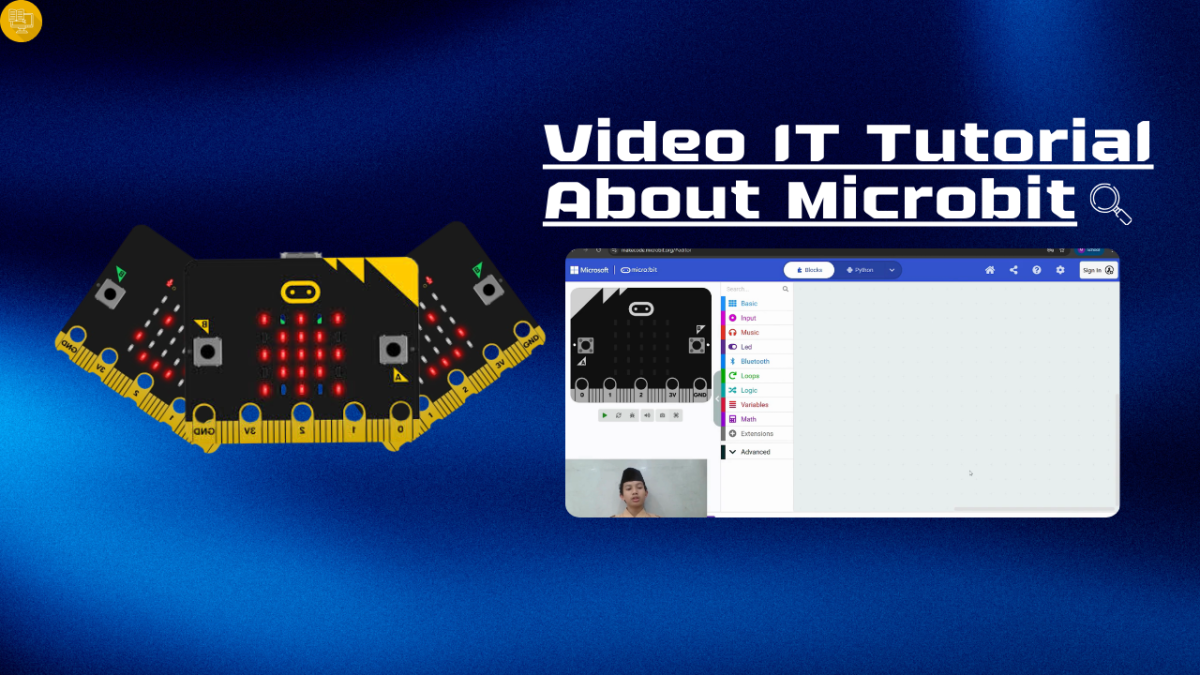
This is a project called video it tutorial where I explain about microbit and makecode. and this is the explanation: microbit is a pocket-sized mini computer (microcontroller) equipped with sensors, LEDs, and Bluetooth, and then this is the explanation of makecode is a free online programming platform from Microsoft that is block and text-based (JavaScript/Python) and for examples of blocks are show number, os start, pause, etc.

Categories
Project IT

Tiny Bit Line Follower

Tiny Bit Line Follower

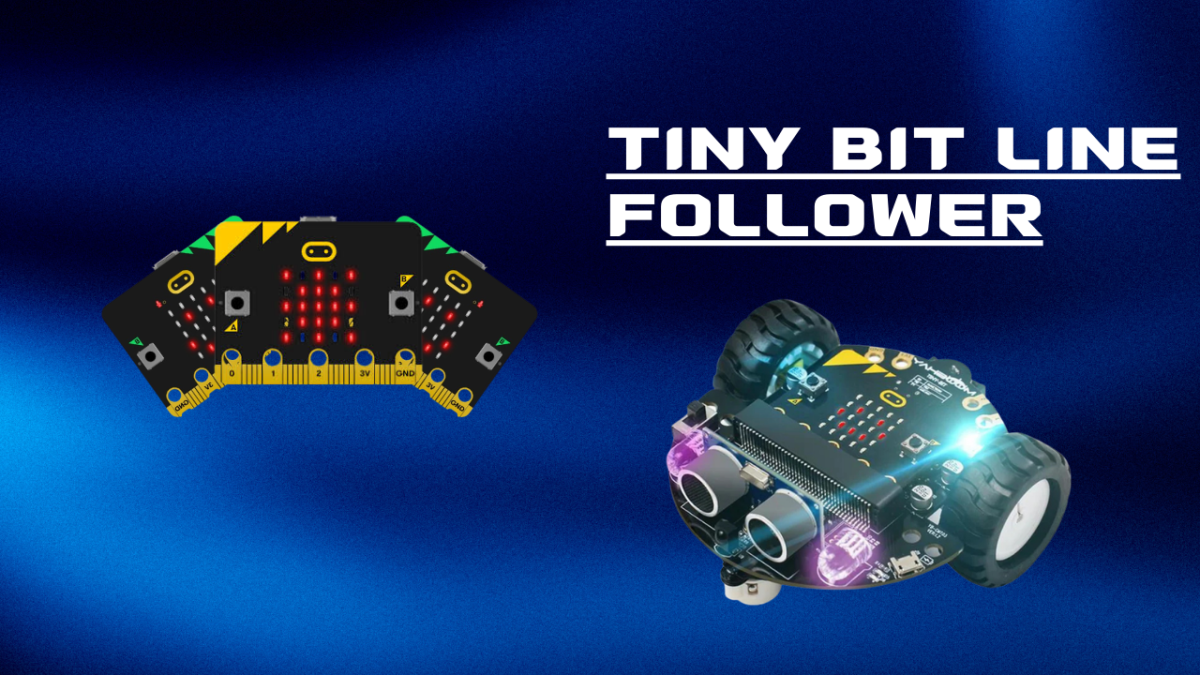
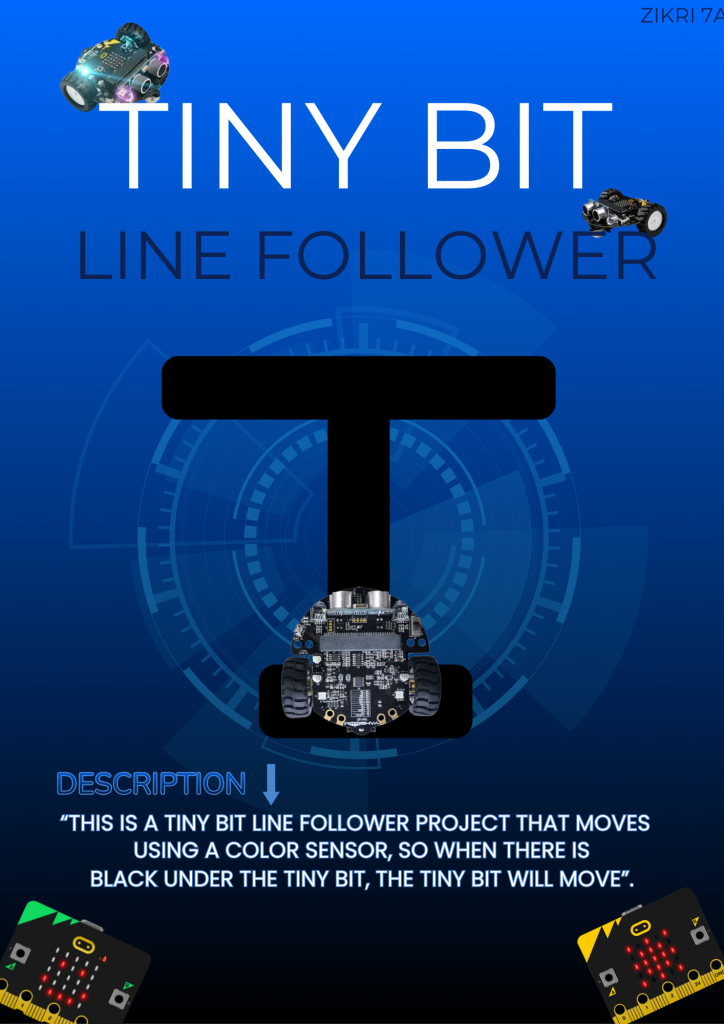
This is my fourth project, namely a tiny bit line follower that moves using 2 right and left sensors to move and also this sensor only detects 2 colors, namely black and white. If both sensors detect black, the tiny bit will move forward, but if only 1 sensor detects it, namely the left sensor, the tiny bit will turn left and vice versa if only the right sensor detects it, it will turn to the right.

Categories
Project IT

Tiny Bit Hand Gesture

Tiny Bit Hand Gesture

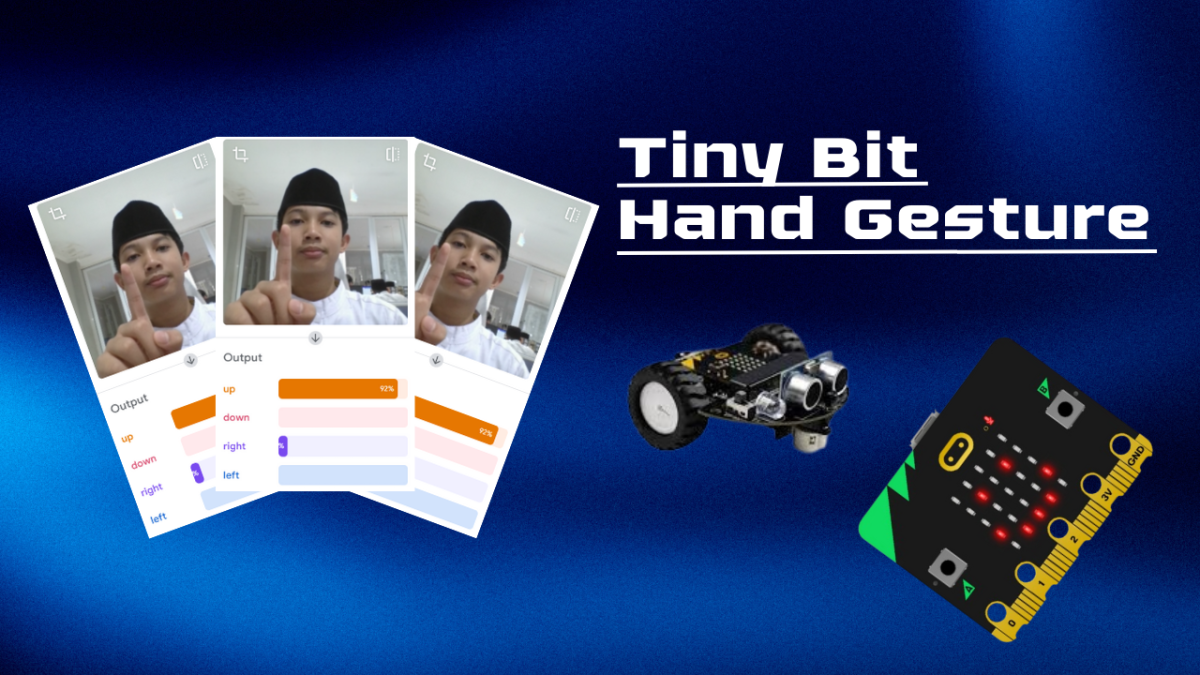
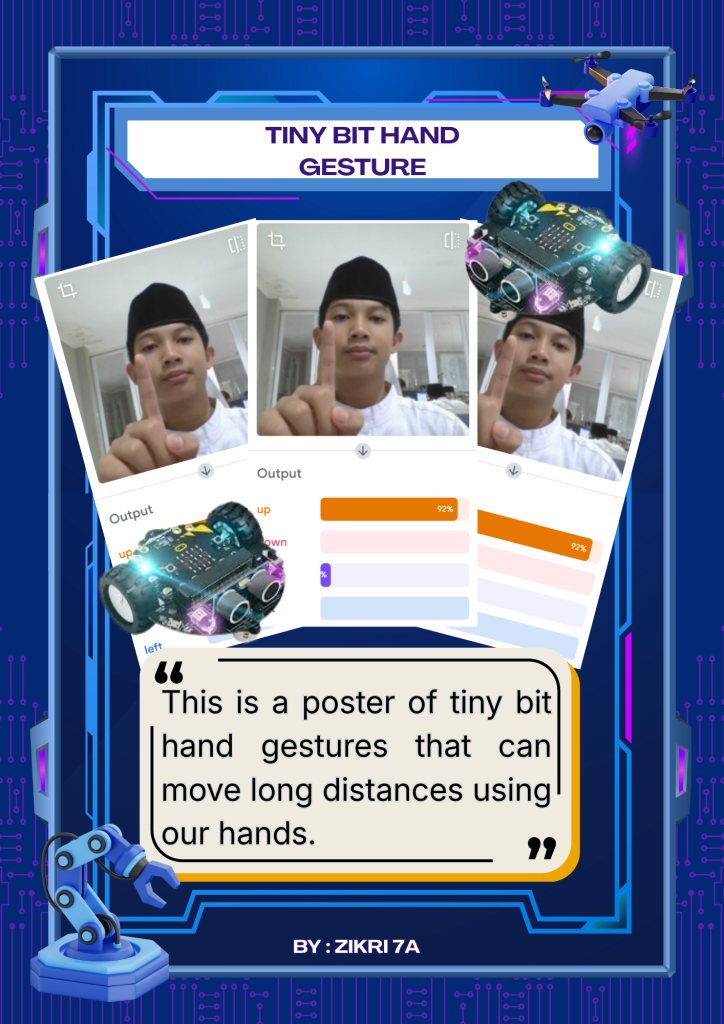
So this is my second project in the second semester, namely the tiny bit hand gesture which can be controlled remotely using your hand, such as if you point your finger up, the tiny bit will move forward, then if you point your finger down, the tiny bit will move backward, then if you point your finger to the right, the tiny bit will move forward to the right, and if you point your finger to the left, the tiny bit will move forward to the left to control it with your hand from the teachable machine.

Categories
Project IT

Smart Trash Bin

Smart Trashbin

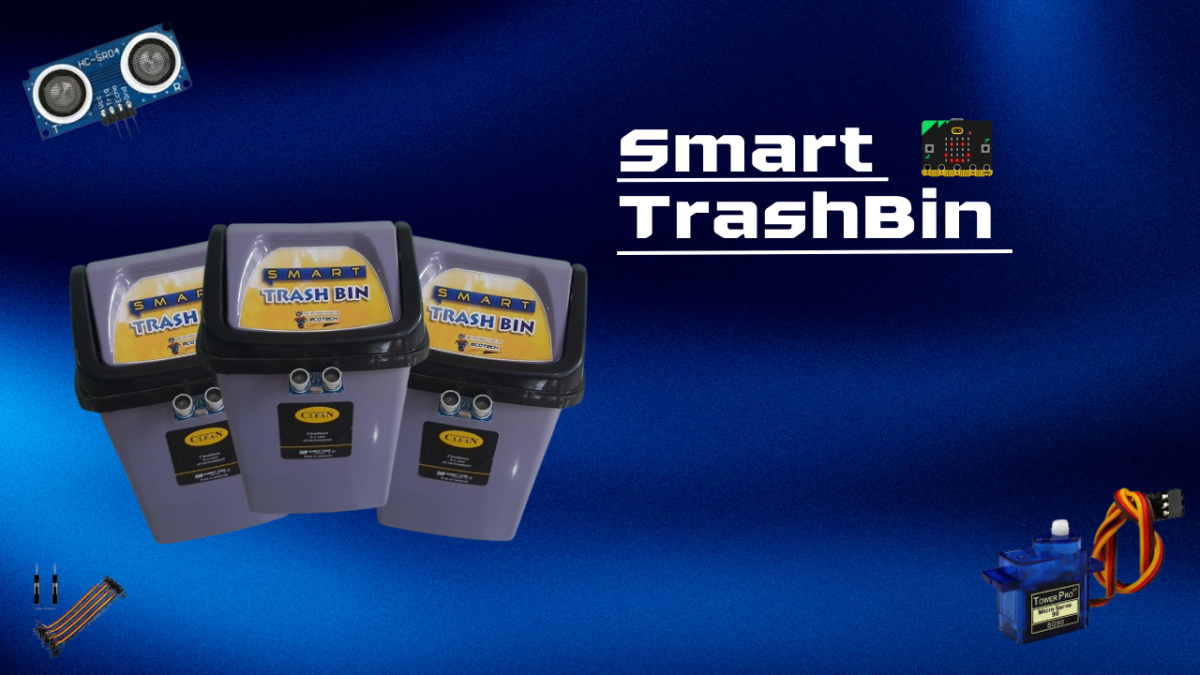
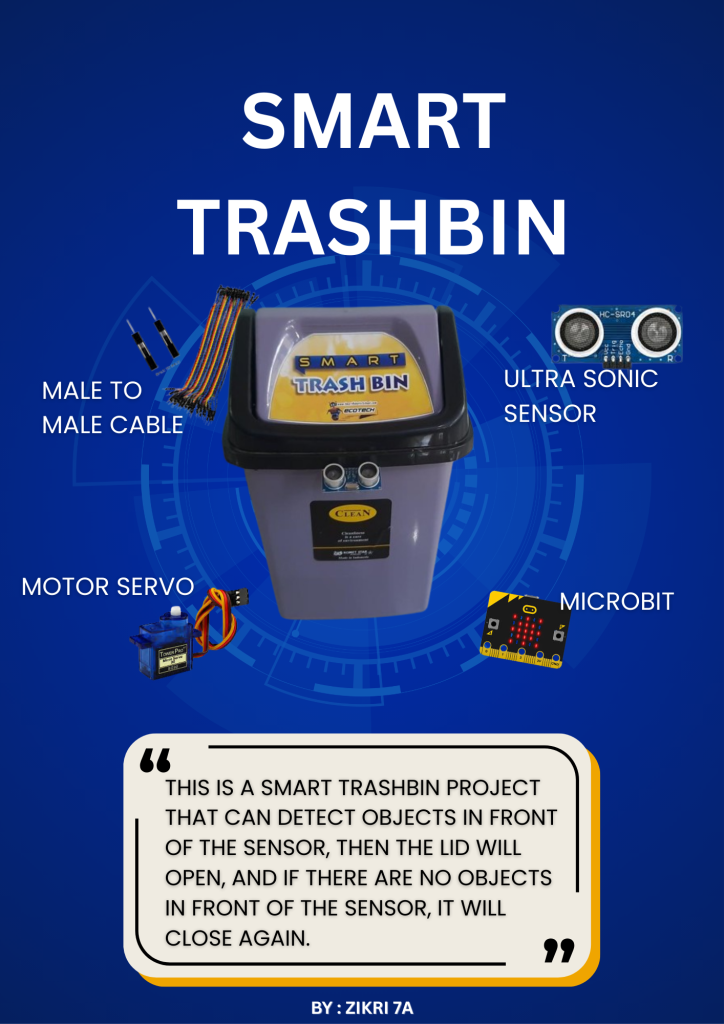
So this is my third project, namely a smart trashbin that works using an ultrasonic sensor to move the servo so that the cover can move from 0 degrees to 180 degrees. So, when there is an object in front of the ultrasonic sensor, the servo will move the cover so that it will open. However, if there is no object in front of the ultrasonic sensor, the servo will move the cover so that it will close again.

Categories
Project IT

Tiny Bit

Tiny Bit Bluetoth Controler

So this is my first project in the second semester of 7th grade, namely the tiny bit bluetooth controller, so this tiny bit bluetooth controller can be moved remotely, but if you want to move it, you have to edit the blocks first and if you want to edit it, you can edit it in the microbit make code then when you have finished editing it, connect it to the microbit which is shaped like a chip and download it after that connect it to bluetooth and place it on top of the tiny bit bluetooth controller

Categories
Project IT

The Defender

The Defender

This is the defender game. In this game, you will play as a player and you have to defend the survivor camp from the attacks of the enemies that will come. For the enemies in this game, I chose the cursed knight theme and in each mode, the enemies are different. If you want to win, you have to attack the boss until he dies. To kill the boss, you have to press the space bar. A bullet will come out that will aim according to the position of the player. If the boss’s blood runs out, you win, but if you fail or the boss enters the survivor camp, you will lose.

Categories
Project IT

Bomberman

Bomberman

This is a bomberman game that I made on scratch. The rules of this bomberman game are that you have to bomb the enemy with a bomb (press the space bar if you want to make a bomb appear), but you must not be hit by the bomb area because then you will lose and also do not get caught by the enemy because that will also lose. To win, you have to bomb the enemy until the score is above 9. If the score is above 9 then you will win.